Executive Summary: Modern diners demand speed, customization, and absolute order accuracy. Implementing a self ordering kiosk in restaurant operations directly eliminates front-of-house bottlenecks. Consequently, restaurants process more ticket orders during peak hours, cut wait times significantly, and increase average order value by up to 30%.
Instead of replacing human hospitality, interactive ordering hardware reshapes restaurant workflows. It shifts cashiers from manual order takers to attentive host facilitators. Below, we examine real operator data, Reddit industry discussions, and practical deployment strategies.
The Core Shift in Modern Restaurant Operations
Long lines at the counter ruin customer satisfaction quickly. Furthermore, noisy environments often cause staff members to mishear complex modifications.
When you deploy restaurant self service ordering kiosks, customers take full control of their meal selections. As a result, order accuracy skyrockets. Furthermore, patrons browse complete visual menus without feeling rushed by a line behind them.
Direct Impact on Table Turnover and Queue Times
Fast-casual operators live and die by line speed. Kiosks process transactions rapidly.
-
Guests tap through menu items in under 60 seconds.
-
Kitchen display systems receive ticket data instantly.
-
Staff members focus entirely on meal assembly and delivery.
Consequently, total guest throughput increases during busy lunch rushes.
Automatic Upselling Without Verbal Friction
Cashiers frequently forget to offer extra toppings, sides, or drinks during rush periods. Conversely, digital kiosks never forget. Software prompts every user with relevant add-ons. Because high-resolution imagery highlights gourmet add-ons, customers willingly add extras. Ultimately, this raises the average check size automatically.
Real Industry Experience: Insights From Reddit’s Restaurant Community
Industry operators frequently debate kiosk implementations on online forums. On the popular sub-forum r/restaurateurs, a fast-casual venue owner recently shared their real-world experience:
“We added two countertop self-ordering terminals during our labor shortage last year. Initially, regulars resisted the change. However, within two weeks, 70% of lunch guests chose the kiosks over the register. Our average check went up by $3.40 because the visual prompts actually sell appetizers better than my counter team ever did.”
This forum case demonstrates a crucial point. Guests adapt to intuitive tech rapidly when it saves them time.
Key Operational Benefits for Fast-Casual Venues
As shown above, digital ordering hardware dramatically elevates productivity.
Addressing Common Concerns About Self-Service Tech
Some operators worry that digital kiosks cold-shoulder guest relations. However, real-world data proves the exact opposite when executed correctly.
Does Tech Eliminate Personal Service?
No, it simply shifts staff focus. Instead of typing orders into a register, workers greet guests, clean tables, and serve food hot. Thus, hospitality quality actually improves.
How Do Seniors and Tech-Averse Guests Adapt?
Modern touch interfaces mirror smartphone layouts closely. Clear typography and large icons make navigation effortless for all age groups. Meanwhile, keeping one traditional cash register open ensures older patrons feel completely comfortable.
Best Practices for Kiosk Deployment
Buying hardware is only half the battle. You must position and configure terminals strategically.
Optimizing Floor Layout
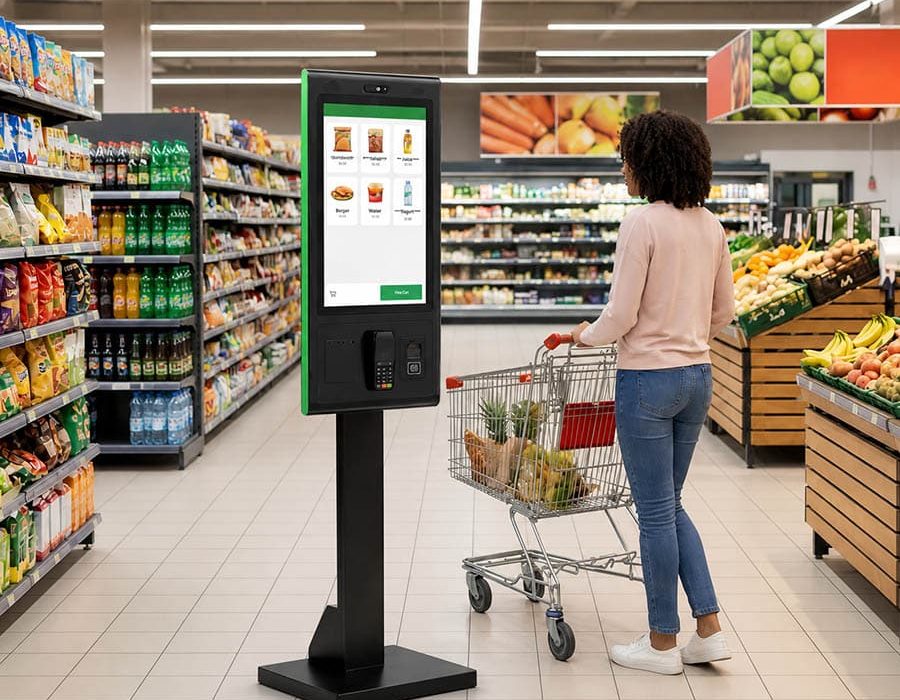
Place kiosks near the main entrance where guests instinctively look. Avoid placing terminals too close to the pickup counter. Otherwise, waiting crowds will block incoming guests from reaching the screens.
Strategic kiosk placement keeps customer traffic flowing smoothly.. Source: Smith Collection/Gado / Gado via Getty Images
Designing the Digital Menu Interface
Keep your digital menu clean and visual.
-
Use high-resolution food photography for every item.
-
Group menu categories logically (Sides, Mains, Drinks).
-
Limit customization options to three clicks per item.
By keeping the interface simple, you help guests order faster. Therefore, you maintain maximum line speed.
FAQ:
How quickly does a restaurant recover kiosk investment costs?
Most fast-casual venues recover hardware and software costs within three to six months through increased sales and labor savings.
Can kiosks integrate with existing POS systems?
Yes. Modern kiosk software integrates directly with popular kitchen display systems and cloud POS networks via API connections.
What screen size works best for self-service terminals?
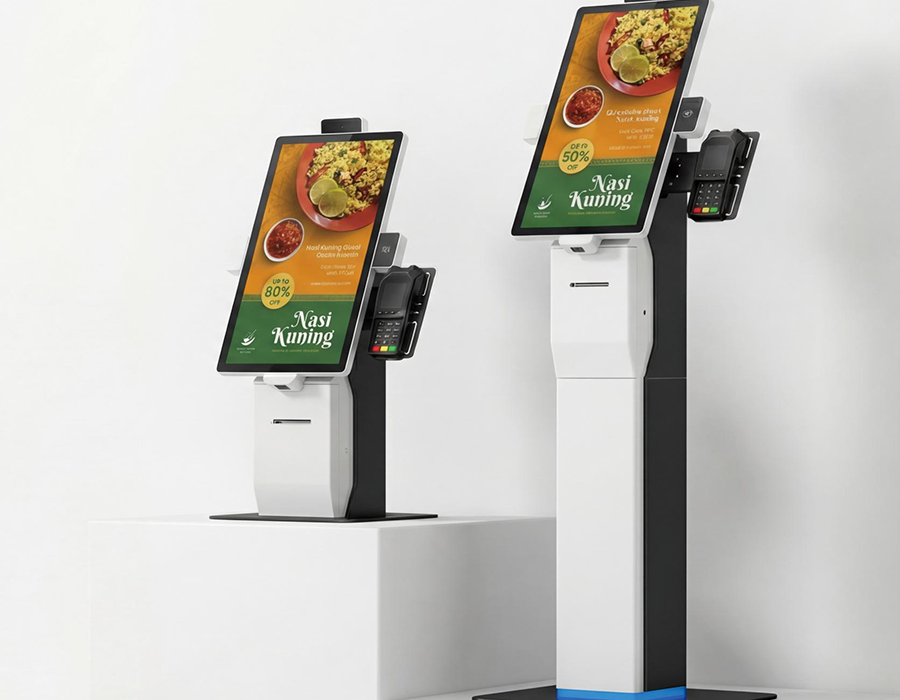
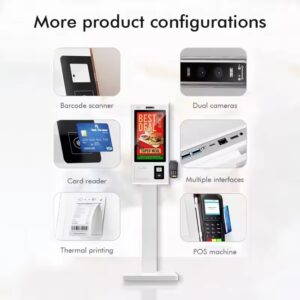
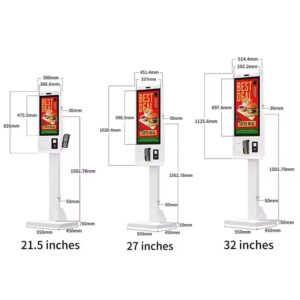
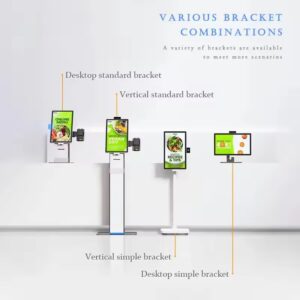
Floor-standing models usually feature 21.5-inch or 27-inch displays. Meanwhile, countertop setups perform best with 15-inch to 22-inch screens.

 by